Not a features list bolted onto a generic CRM — six purpose-built screens for the way a clinic really runs.
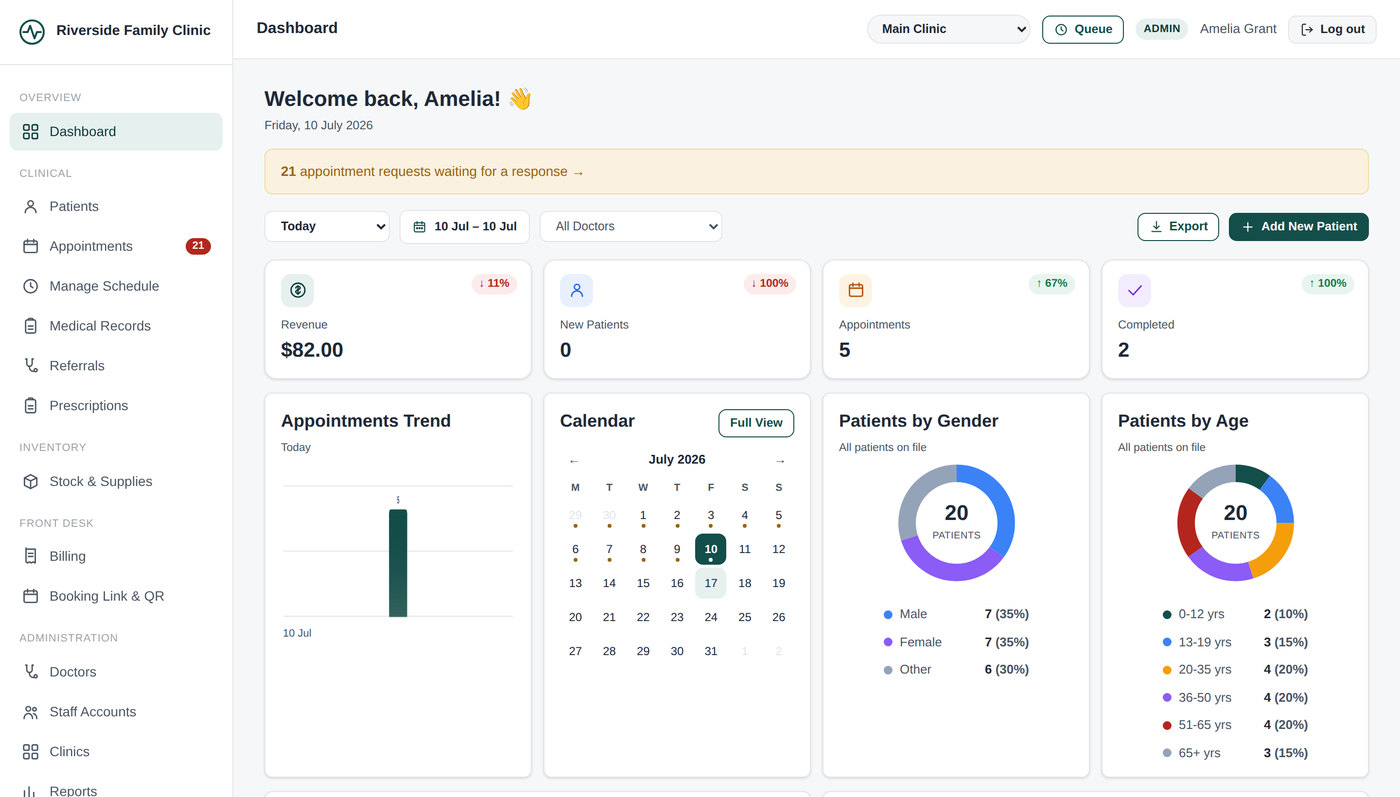
New patients, appointment trends, today's confirmed list, and completion rate — on one screen, filtered by date range or doctor in two taps. No spreadsheet exports, no waiting for a weekly report.
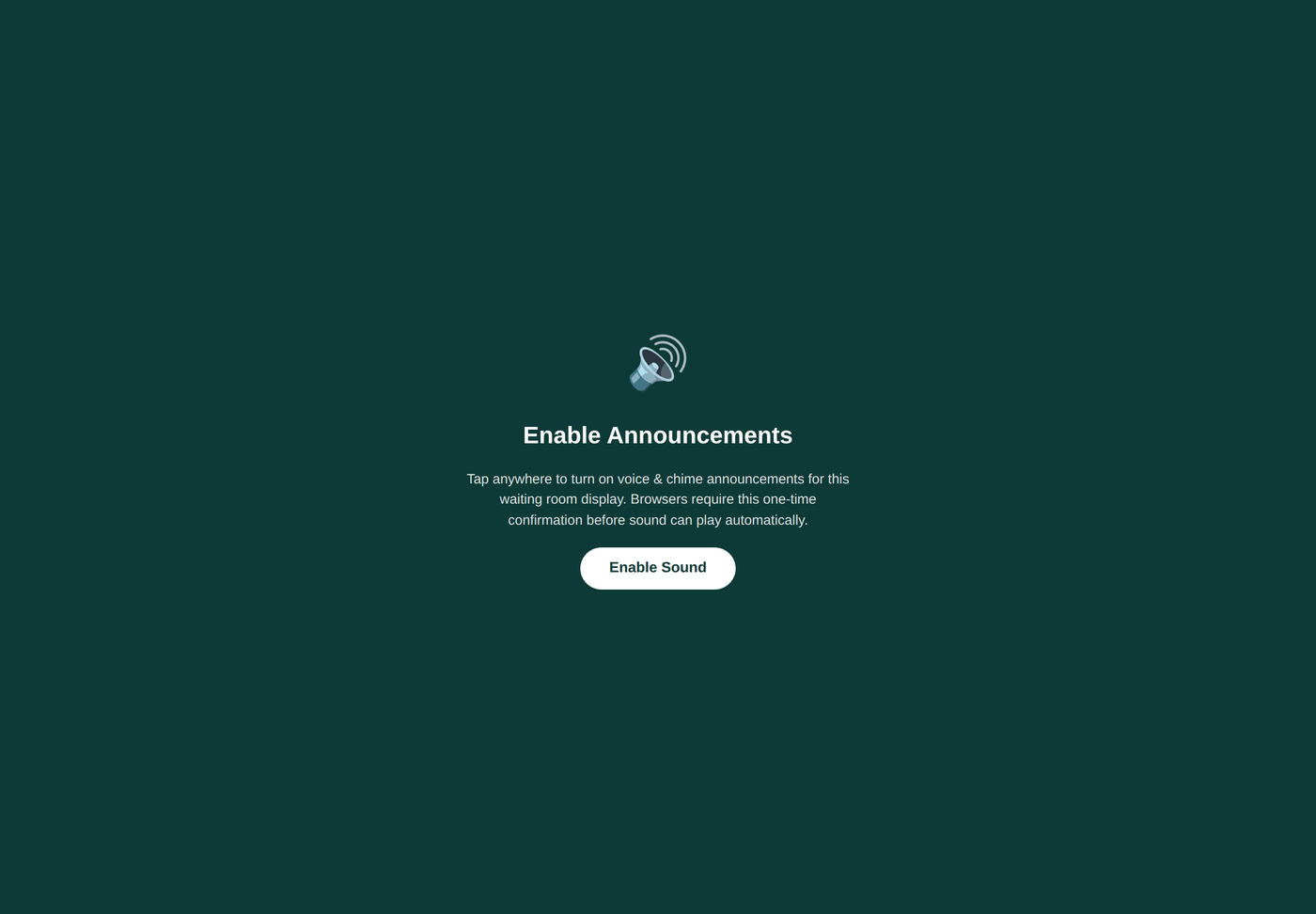
Confirmed appointments and walk-ins share one token queue per doctor. Put the display on any screen or tablet in the waiting room — no extra hardware, no separate app.
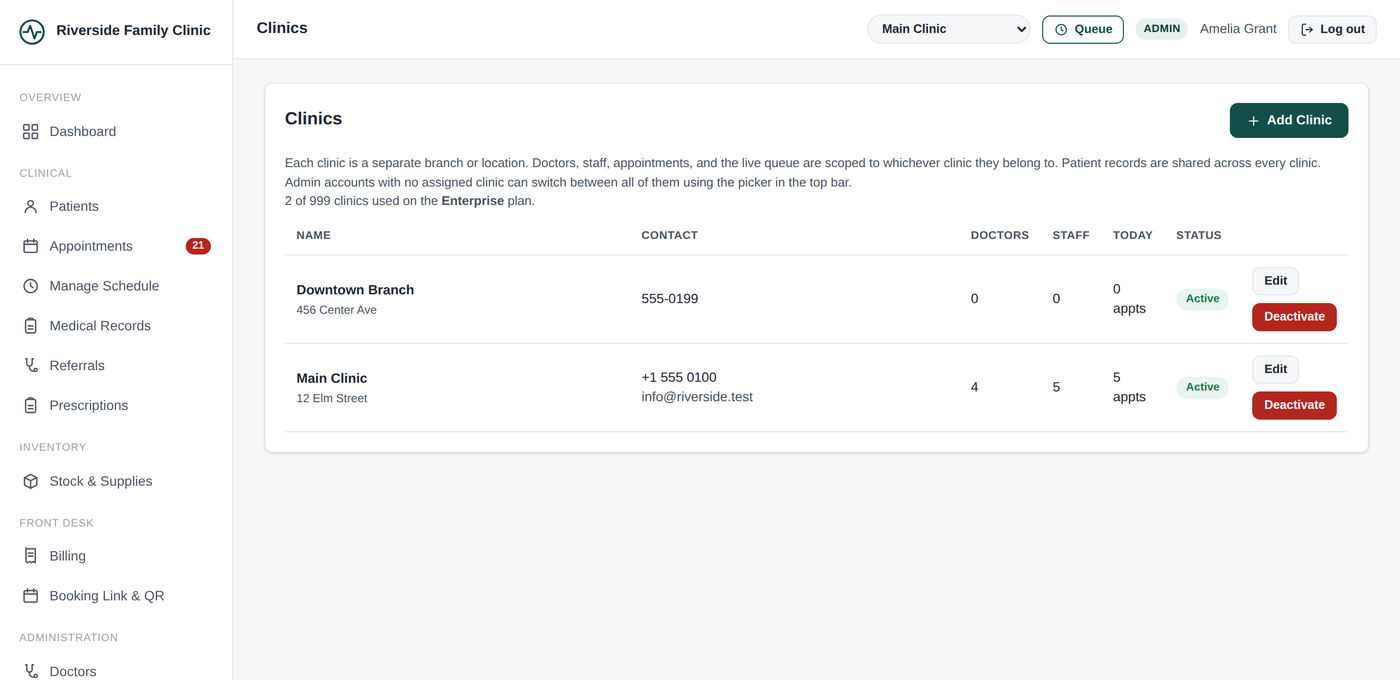
Switch between branches from the same account, or give each location its own admin. Appointments, staff, and the queue stay scoped to the right clinic — patient records stay shared, so any branch can pull up a patient's full history.
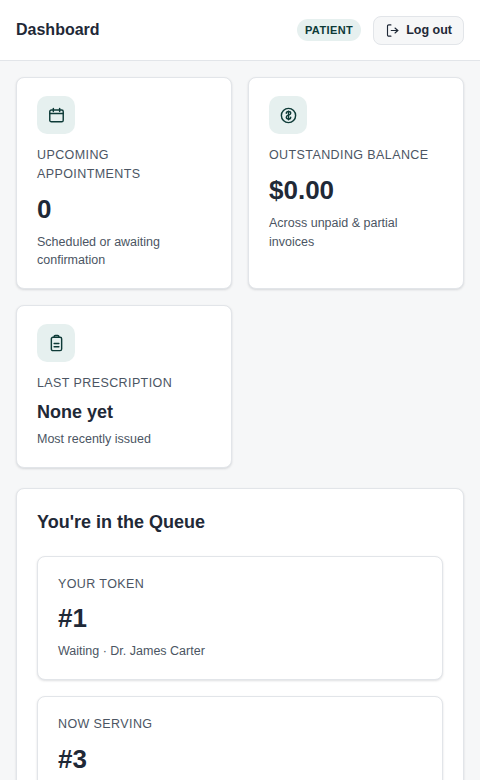
Patients book, see their queue position live, and pull up past visits and invoices — from a browser, no app install. Your front desk answers fewer status calls.
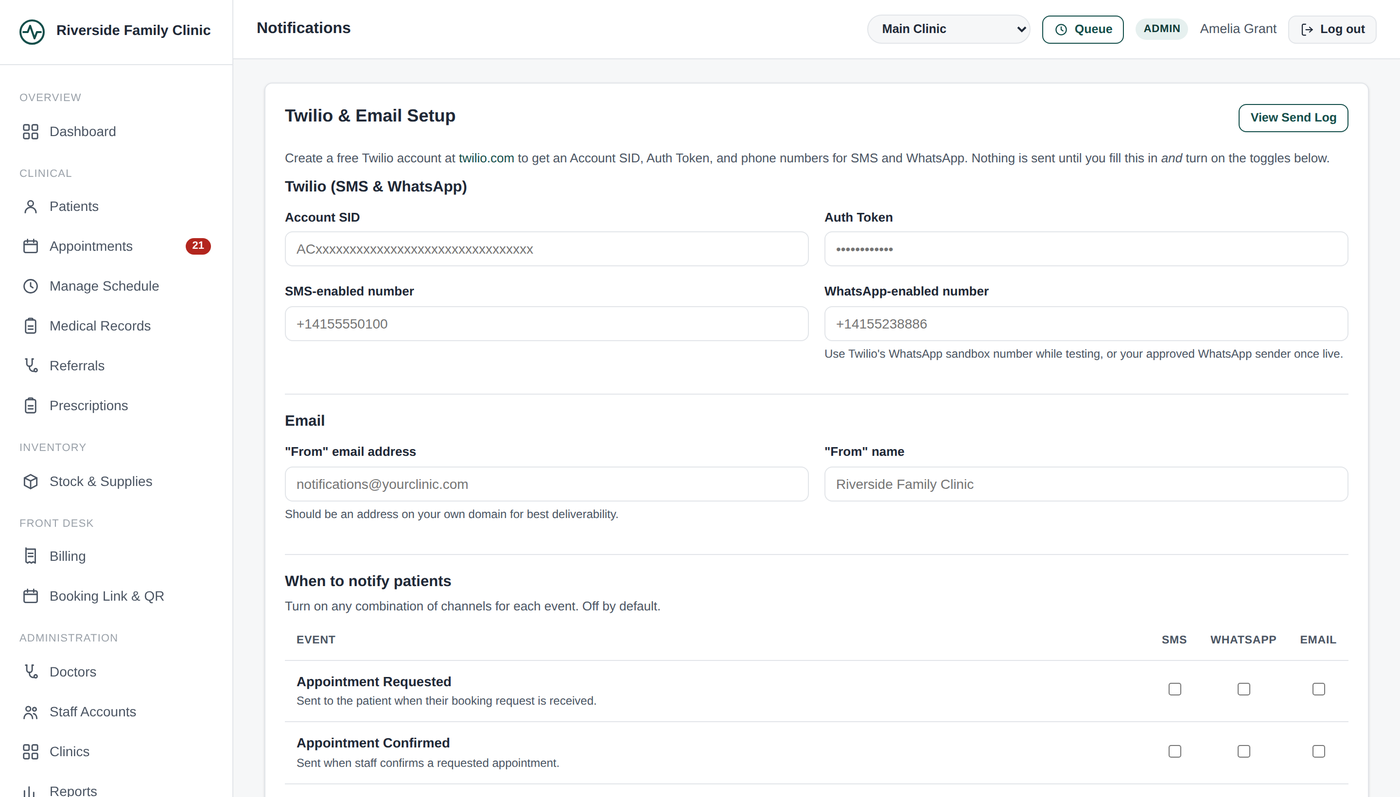
Confirmation, reminder, and follow-up messages by SMS, WhatsApp, or email — triggered automatically by what happens in the app, not a separate campaign tool you forget to use.
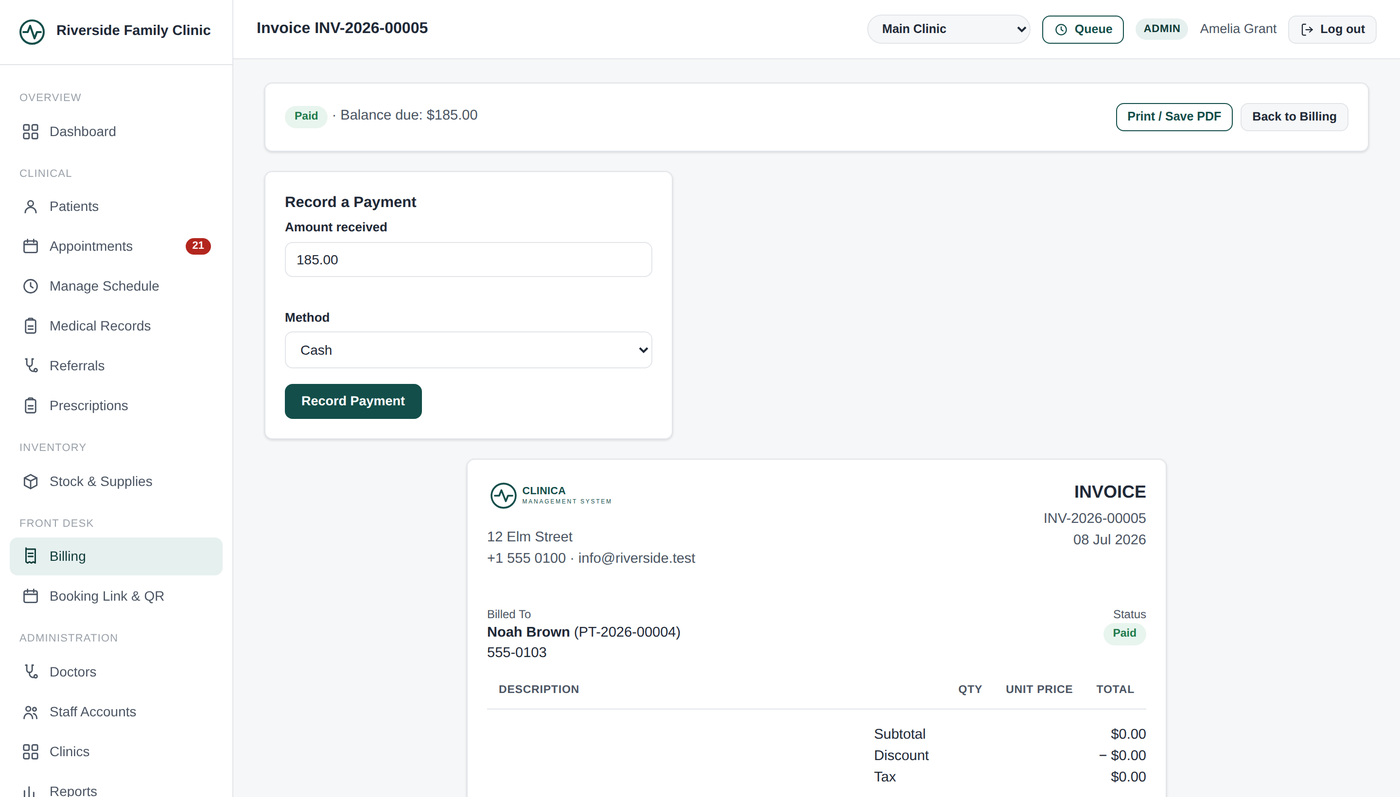
Consultation fees, dispensed medicine, and follow-ups roll into one invoice tied to the visit — no re-keying figures from a paper chart at the end of the day.
Online requests or front-desk booking, with or without a chosen doctor.
Per-doctor token queue with a waiting-room display for any screen.
Run several locations under one account, scoped and switchable.
Self-service booking, queue status, records, and invoices.
Per-day working hours, breaks, and slot durations per doctor.
Diagnosis, notes, and follow-ups tied to each visit.
Write, print, and track dispensing straight from the visit.
Refer patients internally or externally, with status tracking.
Track medicine and supply stock as prescriptions are dispensed.
Consultation, dispensing, and follow-up fees on one invoice.
SMS, WhatsApp, and email — automatic, per event, toggleable.
Appointment, revenue, and patient trends without a spreadsheet.
Admin, receptionist, and doctor roles with the right access each.
Give a branch its own admin who only sees that branch.
Patients, appointments, and records — yours, always exportable.
Free to start. No card required.
Start your free workspace